
0.7 – Saving Update
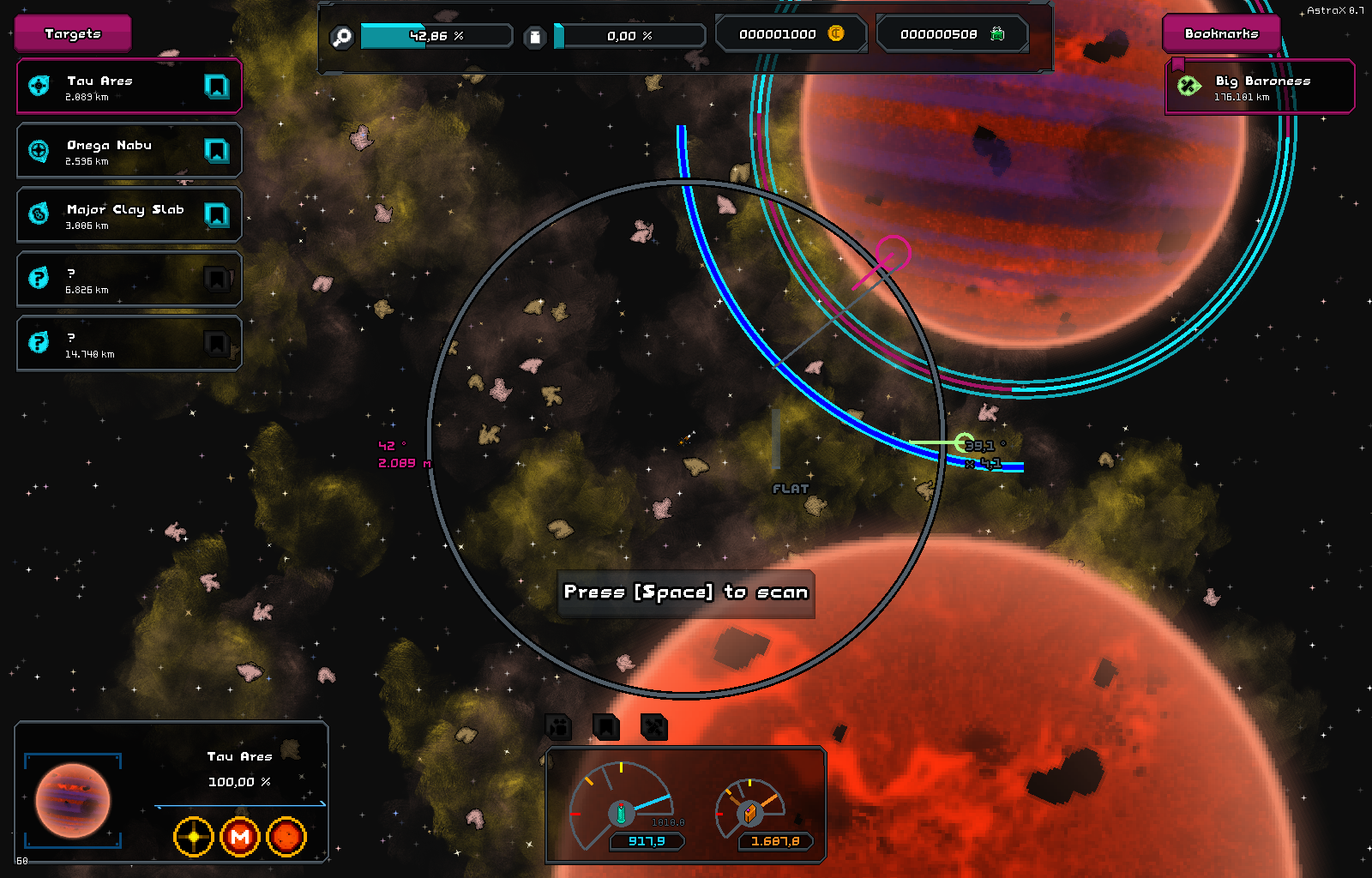
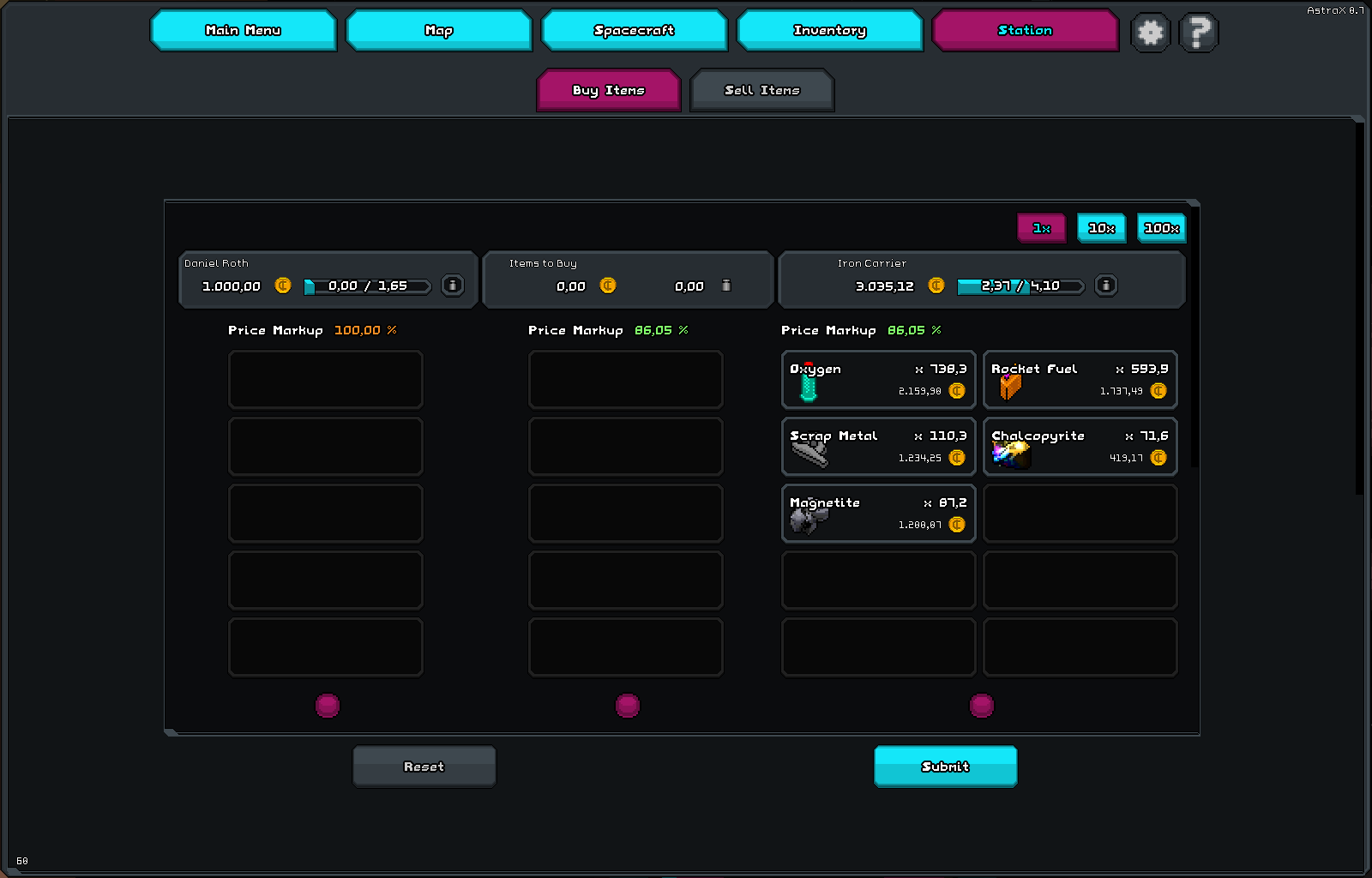
This update includes a lot of infrastructure, such as saving games, bookmarks, customizable user avatars, customizable UI color, better planet textures, revised trading UI, and much more.
File Info
| Released | 22th December 2025 |
| Platform | Windows, MacOs, Linux |
| File Name | astrax-desktop-0.7.zip |
| File Size | 89,8 MB / 94.203.904 bytes |
Changelog
- Loading & saving a game
- Creating & editing user profiles
- Loading & saving application settings
- Games & screenshots are now saved in the user profile
- There is now a database per game, for saving map data, player and spacecraft
- Mechanism for loading / saving solar systems and player from and to disk
- Added a bunch of internal infrastructure just to make the above happen
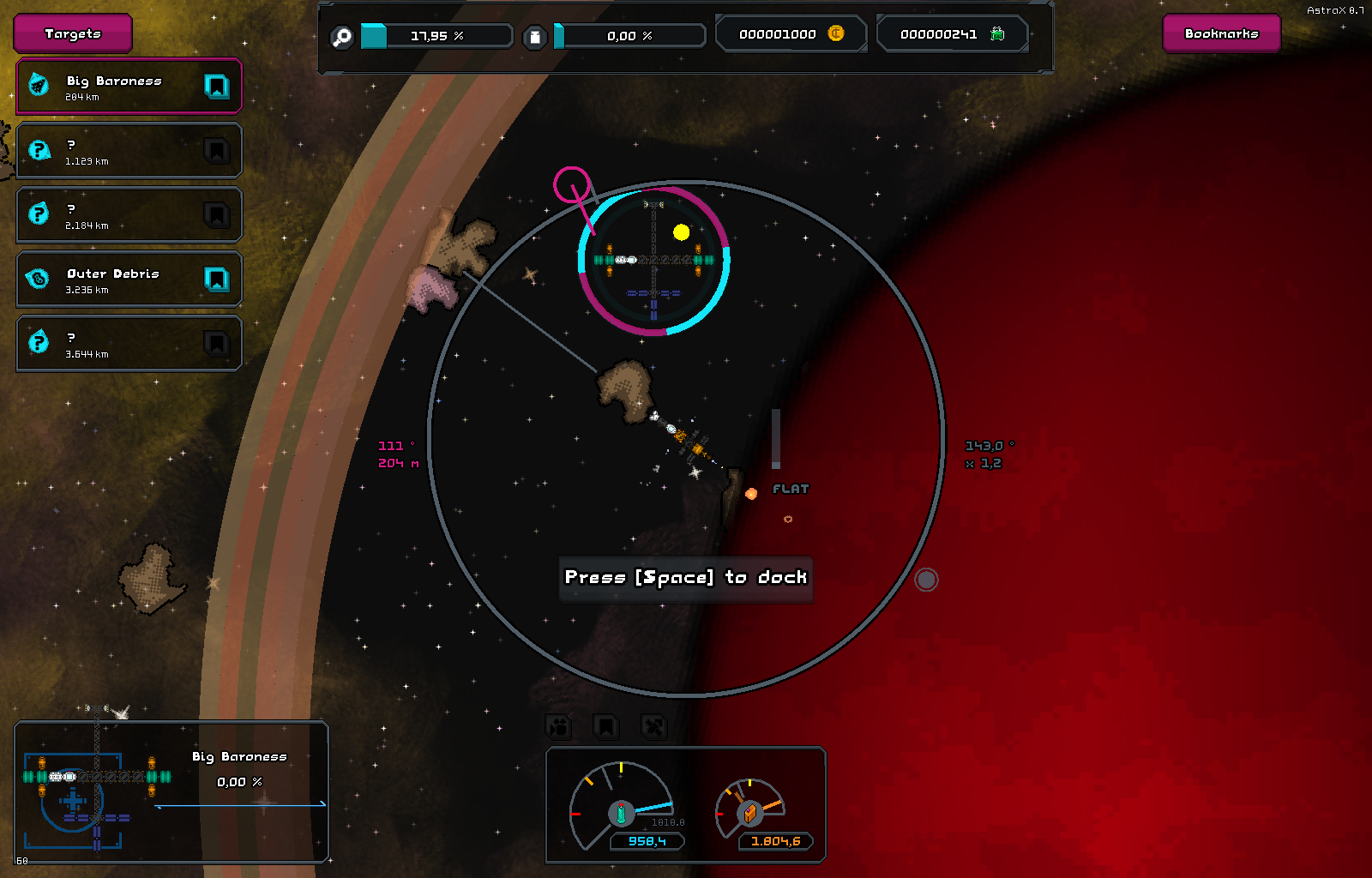
- Spacecraft are now visually moving to the right docking module of space stations
- All modals/prompts are now exitable via ESC key
- Added feedback buttons to the main menu
- Added main menu headers
- Added customizable user avatars
- Added a credits screen (click on the logo)
- Added a loading screen
- Added HUD buttons for undocking and resetting camera focus
- Added pre-filled fields in new game dialog, as per player request (Thanks Chappu!)
- The World Generation Panel when creating a game now has an effect and connects to the generator
- More flexible name generator with many more names of gods, creatures of myth and legends from various cultures
- Generator now works with tags, which allows for higher statistical control (e.g. it’s possible to spawn any habitable planet in an orbit)
- Changed algorhitm for generating galaxy regions
- Support for different screen resolutions that are adjustable in the video settings (Thanks Otter!)
- Users can now change logging level by taking a look at logging.properties in the game root
- Added better traits to discover for toxic planet types
- Added better layering of planet textures
- Added better planet textures without fragments
- Added a jump drive functionality with unlimited use (for now)
- Added target bookmarks for navigation
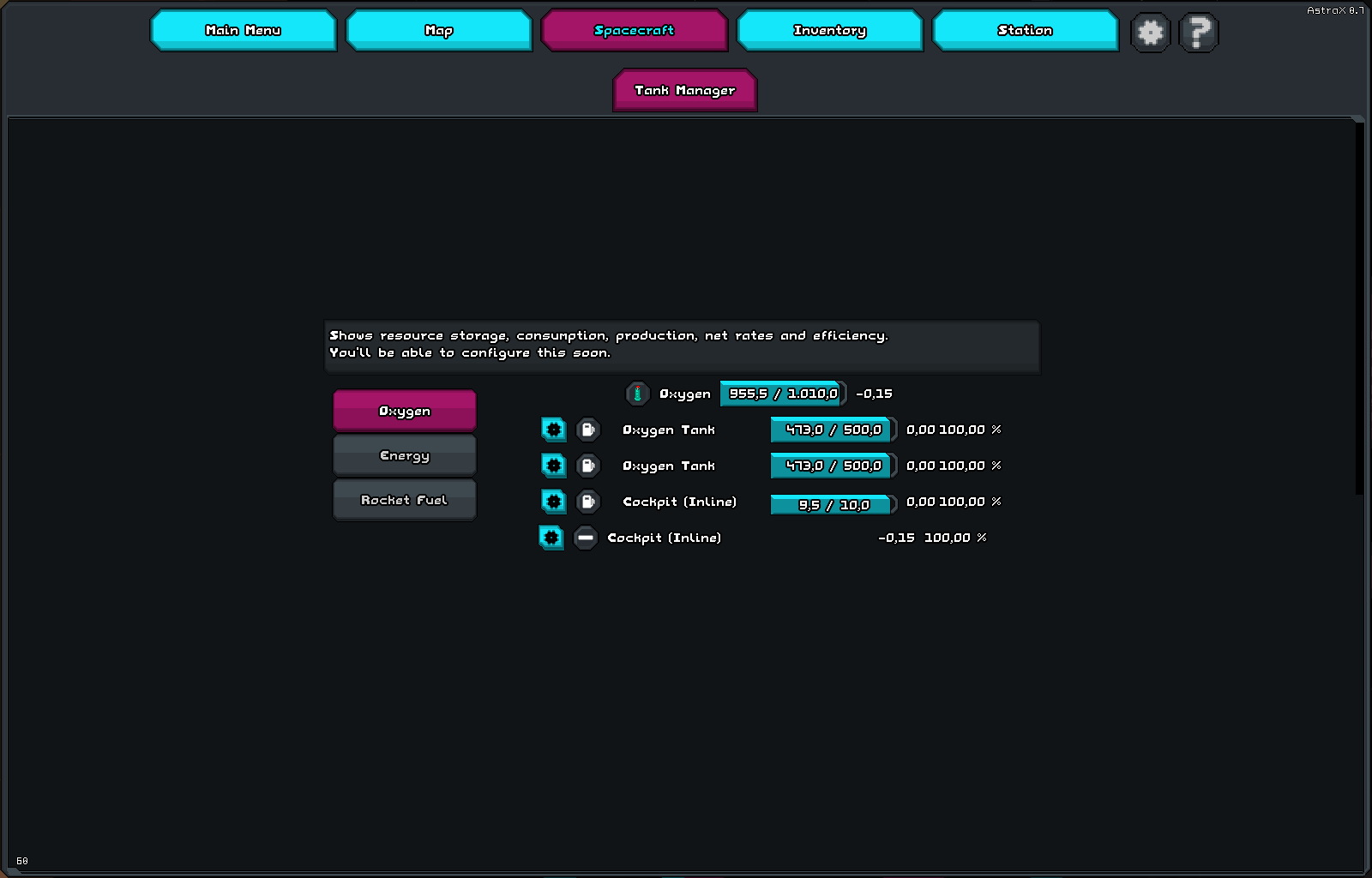
- Added simple tank managing UI, redid the old tank system entirely
- Added picking a user profile from the main menu, instead of having to navigate to the settings
- Returning from in-game back to the main menu now works
- UI colors are now customizable in the settings
- UI sounds are now part of the UI skin
- GalaxyMap now correctly shows name of the solar system and region when clicking on it
- Better HUD gauges that display resource icon & fuel consumption
- Made more in-game text translatable
- Made core/mod data translatable
- You can now switch language to German (translation is sill incomplete)
- Made control buttons larger
- Application-wide message growls & dialog boxes
- Removed trader map markers in GalaxyMap due to changes to the map data
- Fix Spacecraft receiving input from inside the game main menu
- Fix Spacecraft controls freezing randomly (Thanks Jeffro!)
Read More:
-
AstraX 0.6: How to mine an Asteroid
Asteroids carry various resources in resource deposits. These deposits can carry multiple resources that naturally occur together, such as copper […]
-
How to create your own Spacecraft
In this guide, find out how to create your own spacecraft with the editor in AstraX. If you are familiar with game such as Kerbal Space Program or Space Engineers, you will pick up the AstraX spacecraft editor quickly.
-
Time To build Your own Spacecraft with better Tools!
AstraX 0.5.1 captivates with of various Quality of Life features to the spacecraft editor. Read more about them here!
-
How to Run AstraX
In order to run AstraX, unzip the archive to a destination of your choice (your documents folder is recommended), then […]
-
Create Your Own Special Spacecraft That Prevails
Refit your spacecraft, stations and satellites for mining, research, transport or trade – or any combination – with the spacecraft editor.
-
Experience mind-blowing Planet Generation
Explore a great variety of galaxies, star systems, stars, planets and moons through AstraX’ unique planet generation system, that features categories, subcategories and trait trees for each. Find out more!